
How to Check Android Battery Health and Fix Post-Update Drain Without Root
Most Xiaomi HyperOS and custom AOSP builds still hide true battery health percentages in everyday Settings screens. You can read hardware fuel-gauge counters without root in under ten minutes and see whether a post-update drain comes from background compilation or worn hardware.
- Xiaomi Dialer Diagnostics: Dial
*#*#6485#*#*on stock HyperOS to inspectMB_06cell condition (AOSP ROMs use*#*#4636#*#*). - No-Root Bug Report Formula: Tap CPU six times under About phone > Detailed info and specs, open
bugreport-*.txt, and divide learned mAh by rated mAh. - Allow 24 Hours After Updating: Background ART app compilation runs heavily right after any major HyperOS or Android 15 to 17 jump.
Which Built-In Settings and Dialer Codes Expose Battery Counters?
Battery cycle count is the cumulative number of full 0%-to-100% charge equivalents over a cell's life. As Tom's Guide Android battery diagnostics steps confirm, visibility varies by OEM software and kernel:
- Android 14+ Battery Info Screen: Open Settings > About phone > Battery information where supported to check manufacturing date and cycle totals, plus watch Settings > Battery for charging temperatures exceeding 40°C to 45°C.
- Stock Dialer Codes: On HyperOS/MIUI, dial
*#*#6485#*#*in the phone dialer and checkMB_06(health status) andMF_02(cycles where exported). On AOSP ROMs, dial*#*#4636#*#*→ Battery Information.
How Do You Estimate Remaining Capacity via Android Bug Report?
Instead of waiting weeks on third-party battery monitors, Android records fuel-gauge counters inside local bug reports covered in Android power framework documentation:
- In HyperOS, go to Settings > About phone > Detailed info and specs and tap CPU six times (or enable Developer Options > Take bug report on AOSP).
- Wait two minutes for the zip to finish saving, extract
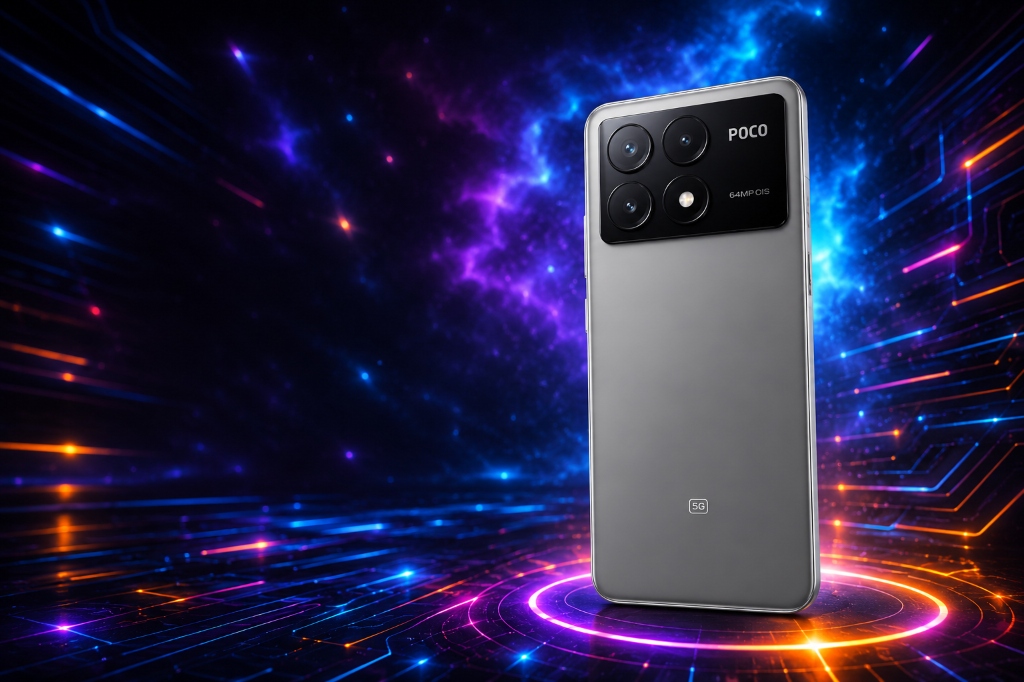
bugreport-*.txtinside Files, and search forBattery CapacityorLast learned battery capacity. - Divide that learned number (for instance 4,150 mAh) by your rated factory pack (5,000 mAh on POCO X6 Pro / M6 Pro, 4,000 mAh on older Redmi Note 7 phones, or 10,000 mAh on POCO Pad 5G tablets) for your health percentage.
How Do You Solve Sudden Drain Right After an Update or Flash?
ART compilation (dexopt) compiles Android app bytecode into native code during initial boots after updates, producing short-term idle heat and extra discharge.
- Give It One Overnight Plug-In: Leave the phone charging to 100% once overnight so background dex optimization completes cleanly within 24 hours.
- Trim Background Radio Scans: Turn off unused Wi-Fi & Bluetooth scanning in Location settings and tighten social app background permissions.
- Watch Device-Specific Charging Quirks: Over 300 TZ Labs logs document smart charging caps; also separate expected software quirks like semi-working offline charging in our POCO X6 Neo firmware guide or banking side effects in our Play Integrity explainer.