
POCO X6 Pro 5G Updates, 120Hz AMOLED, and Gaming Thermals: Stock vs. Ports
Dimensity 8300-Ultra brings strong sub-Rs. 30,000 gaming headroom, yet long 120Hz sessions in warm rooms raise skin temperatures fast. Knowing which HyperOS labels represent official Xiaomi OTAs vs unlocked Fastboot ports prevents accidental wipes.
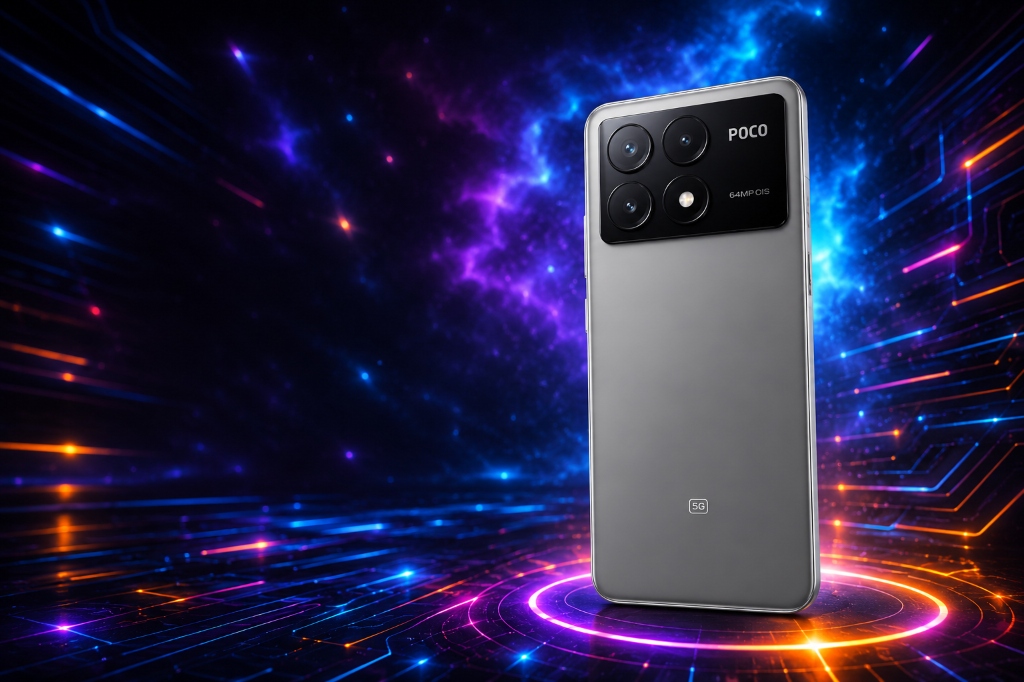
- Separate Retail OTAs From Fastboot Ports: Retail Indian HyperOS 4 OTAs for
duchampare not indexed on this archive; Dragon X HyperOS 4 is an unlocked-bootloader community port. - Wait 24 Hours After Updating: Initial background ART compilation spikes idle heat and drain during the first day after flashing.
- Use Per-App Refresh & Charging Controls: 35 indexed
duchamplogs adjust thermal throttling profiles, charging caps, or GameBar overlays (AlphaDroid OS v3.1, crDroid v13.0).
Are Indexed HyperOS 4 Packages Official Xiaomi OTAs or Community Ports?
Over-the-air (OTA) firmware update refers to an encrypted manufacturer-signed software package installed via Settings > About phone while keeping Verified Boot intact. By contrast, Fastboot ports sharing HyperOS 4 or Android 17 branding here require an unlocked bootloader:
- Official Launch Track: POCO X6 Pro 5G launched on Android 14 HyperOS with regional OTA channels that stay separate from ported zips.
- Ported Builds Need PC Flashing: Releases like Dragon X HyperOS 4 and SaanOS install via desktop Fastboot scripts. Review our AOSP vs OEM port comparison before unlocking.
How Do 120Hz AMOLED Draw and 67W Charging Affect Gaming Thermals?
Published benchmarks in 91mobiles' POCO X6 Pro testing show rapid GPU throughput alongside rising surface temperatures during sustained sessions in 30°C+ ambient rooms:
- Keep Refresh Scaling Adaptive: Letting the AMOLED panel drop from 120Hz to 60Hz when static saves meaningful display power without sacrificing scroll crispness.
- Do Not Stack 67W Charging on Gaming: Running heavy 3D games while plugged into a 67W adapter traps heat inside the cell and speeds up thermal clock drops (Android power thermal states).
- Archive Thermal Options: Across 35 archived releases, maintainers add bypass-like charging limits or GameBar per-app caps. Follow our duchamp flashing workflow if testing a clean custom track.
How Can You Tell Temporary Update Heat From Physical Battery Aging?
Follow our Android Battery Health & HyperOS Diagnostics guide to read *#*#6485#*#* condition codes and verify learned capacity in Bug Report logs without root.